
Back to apps
Design & CreativityLive · v1.0.1
Image Editor
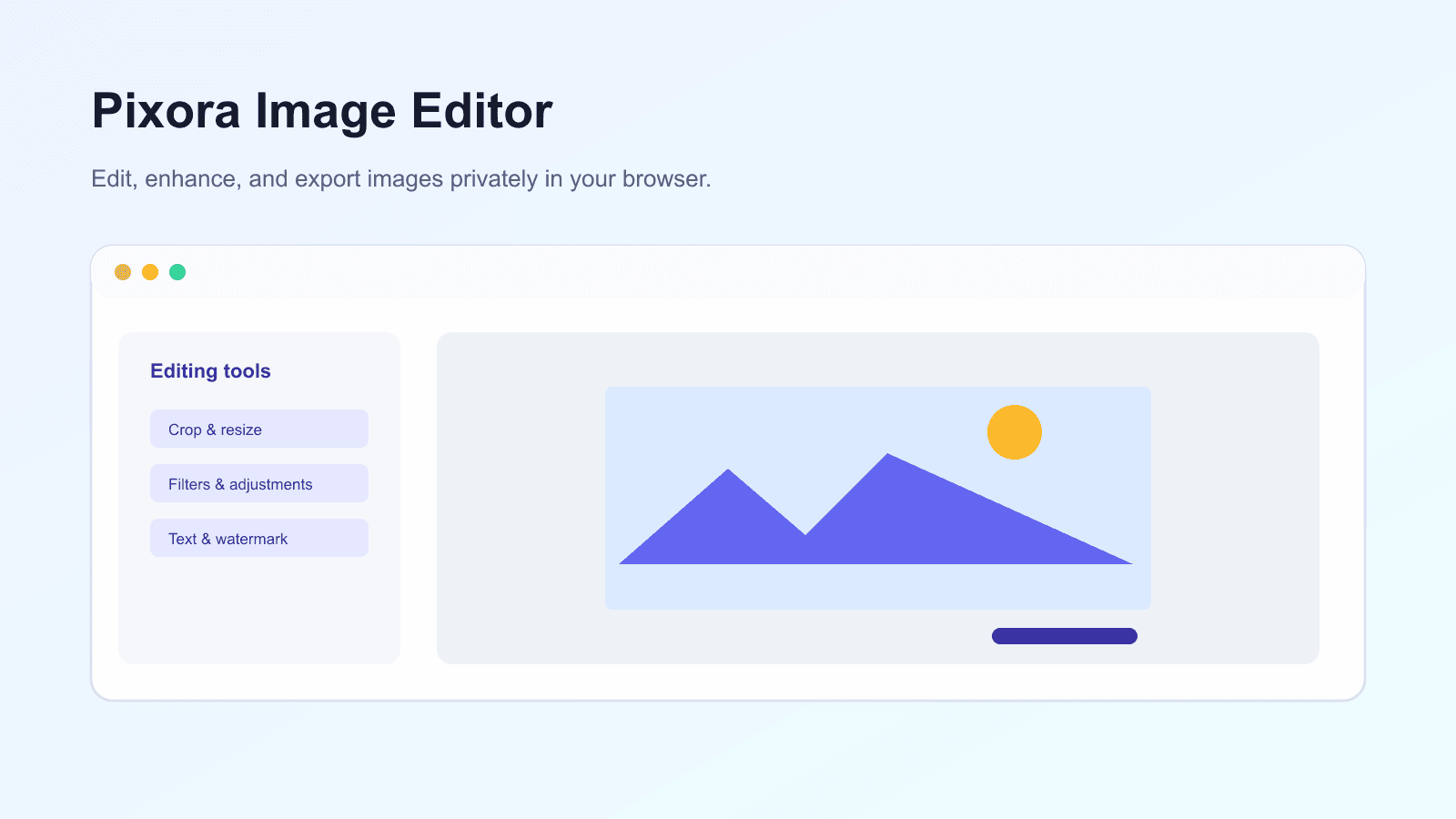
Edit, enhance, and export images privately in your browser.
Free to useWebPrivacy-first
Overview
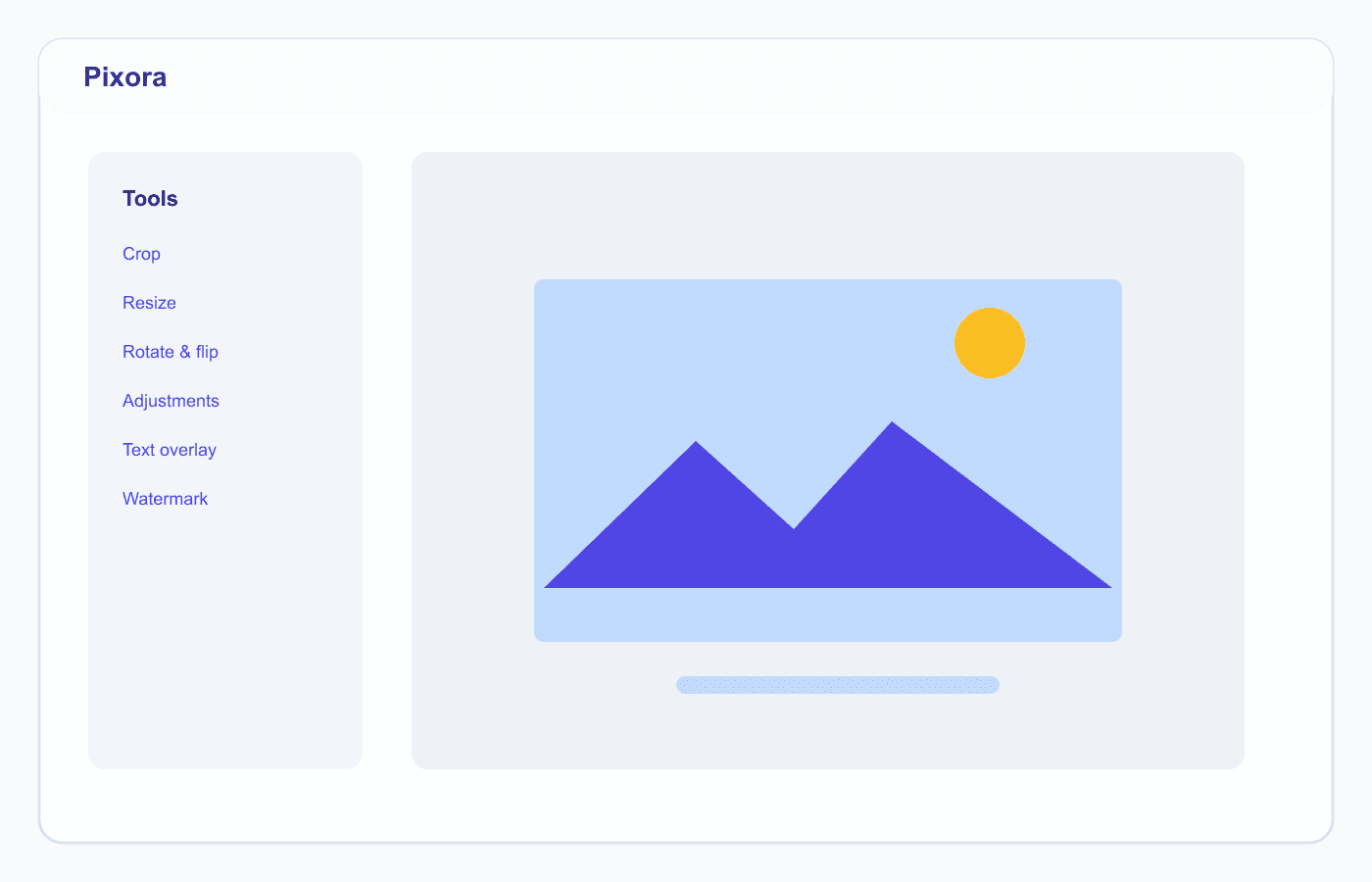
Pixora is a browser-based image editor that helps users crop, resize, rotate, flip, apply filters, add text and watermarks, and export images in various formats. Users can edit multiple images, use undo and redo, and download results individually or as a ZIP. All processing is done locally using the Canvas API so files remain on the user's device.
Capabilities
Upload multiple images by drag and drop or clipboard paste
Crop with preset aspect ratio, zoom, and resize mode
Rotate and flip images horizontally or vertically
Control brightness, contrast, saturation, grayscale, and blur
Add text overlay and watermark to images
Undo and redo for change history
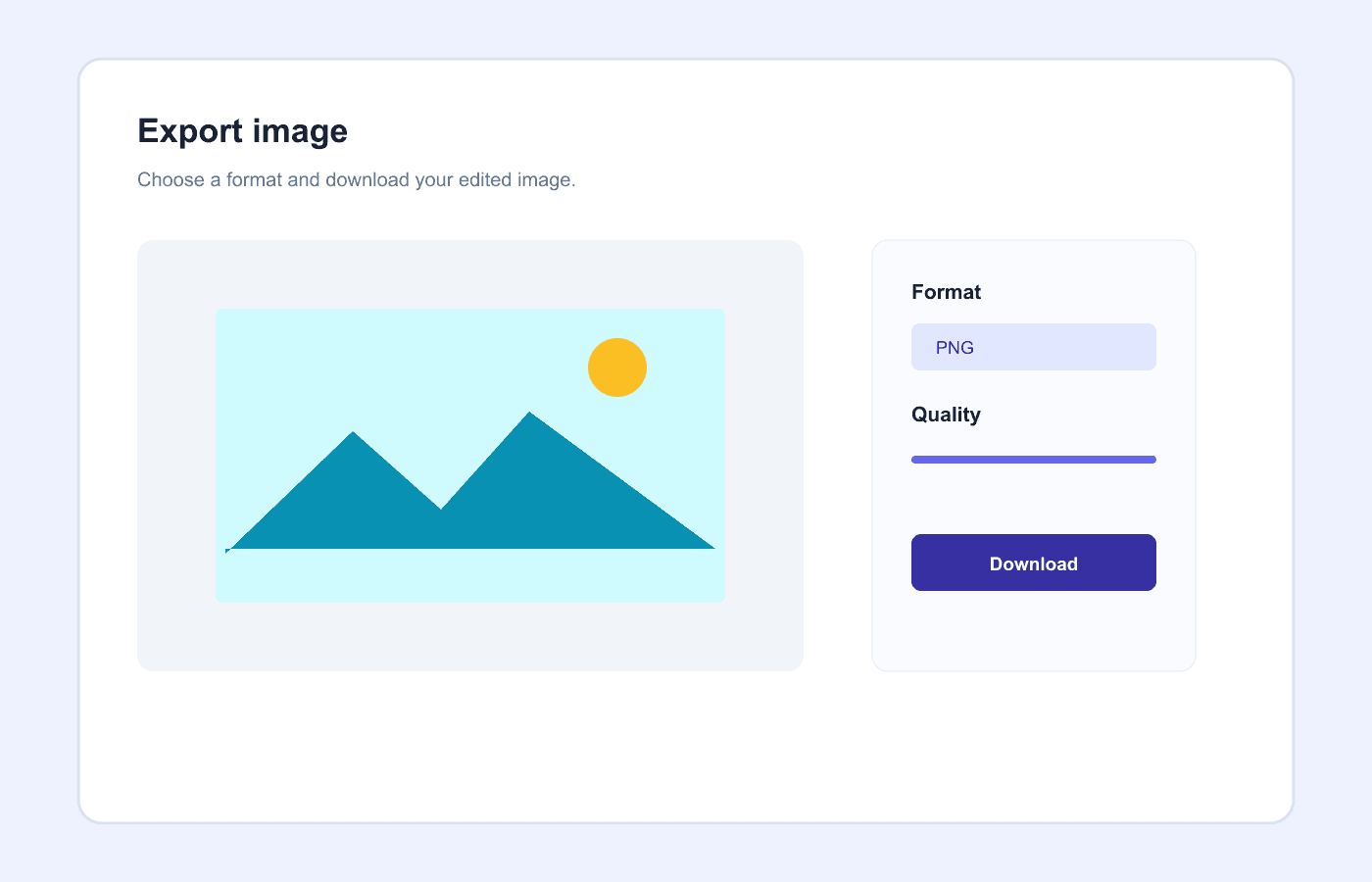
Export PNG, JPG, WebP, and AVIF if browser supported
Batch processing with download of results as ZIP
Responsive PWA with offline support
Use cases
01
Prepare images for websites, marketplaces and social media
02
Change the image size and ratio for design needs
03
Add labels, captions, or watermarks to photos
04
Edit visual assets without installing the desktop app
05
Process private images without cloud services
Product interface
Inside Image Editor.